| |
As in-vehicle network communication becomes increasingly sophisticated, developers and test engineers need tools that help them master this complexity. Working with standards such as DBC, FIBEX, ARXML, LDF, and A2L, they must be able to set up communication paths, access ECU data, modify messages, and integrate data into secure communication flows such as SecOC.
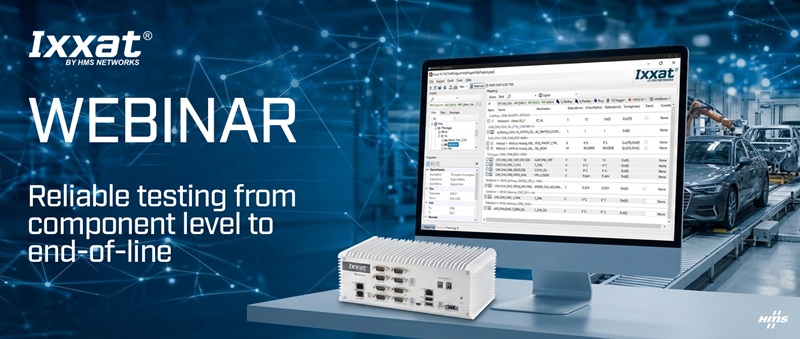
In this webinar, we will show how Ixxat Mobilizer
can become a valuable asset in your testing strategy
by bringing key capabilities together in one place:

|
Access IVN data for receiving, sending, and
modification. |
|
|
Simulate required signals or complete
functionality. |
|
|
Log data for documentation and error tracing. |
|
|
Visualize data instantly and ad hoc. |
These are just a few examples of the tasks you
can accomplish with one integrated solution.
At the same time, growing cost pressure across the
industry is forcing companies to evaluate
development and test tools more carefully than ever.
Teams need solutions that deliver the required
functionality while supporting efficient,
cost-conscious engineering workflows based on
industry standards.
Ixxat Mobilizer addresses these needs with a
standalone approach, an interface-rich design, and
strong performance. Its comprehensive and
easy-to-use configuration tool helps users achieve
quick first results, while also giving communication
experts access to extensive configuration options -
from detailed CAN communication settings down to
sample point configuration, to message modification,
message definition, DBC network description
creation, user-defined setups, triggers, and more.
When configuration options reach their limits, the
UserCode module enables custom data handling in your
own C code.
Attendees will receive a brief introduction to the
HMS brand, learn how Ixxat Mobilizer supports IVN-related
testing needs using an end-of-line test example, and
explore its key capabilities. A live demo will
highlight selected functions, including:
|
|
Setting up gateway functionality |
|
|
Creating a simple, communication-oriented
rest-bus simulation |
|
|
Setting up a logger function |
|
|
Creating a control channel for your automation
access |
|
|
Setting up an ad-hoc visualization |
|
|